
We’ve Added Full White Label Branding, Smarter Collaboration, and a Whole Lot More
Over the past year, we’ve had hundreds of conversations with print business owners, agencies, and production managers. Which led us to evaluate, what exactly is holding them back.
- You need better ways for your team to collaborate on designs.
- Your customers are dropping off because pages load too slowly.
And you’re tired of manually creating dielines for every custom packaging order.
We heard you loud and clear. That’s what we have taken care of in DesignO 2.5
We’ve rebuilt major parts of the platform to solve the real problems you face every single day. Whether you are running a web to print store, managing wide-format printing operations, or run a packaging business, this release delivers practical improvements to your daily workflow.
Let me walk you through what we’ve built.
Shareable Design Links for Fast Collaboration
Most of our print business owners had to face hurdles while coordinating design reviews.
Sales rep designs a mockup and shares it to the client for the approval.
The design goes through multiple rounds of edits. And ultimately, different team members have to work from different versions.
Email threads become confusing with multiple file attachments.
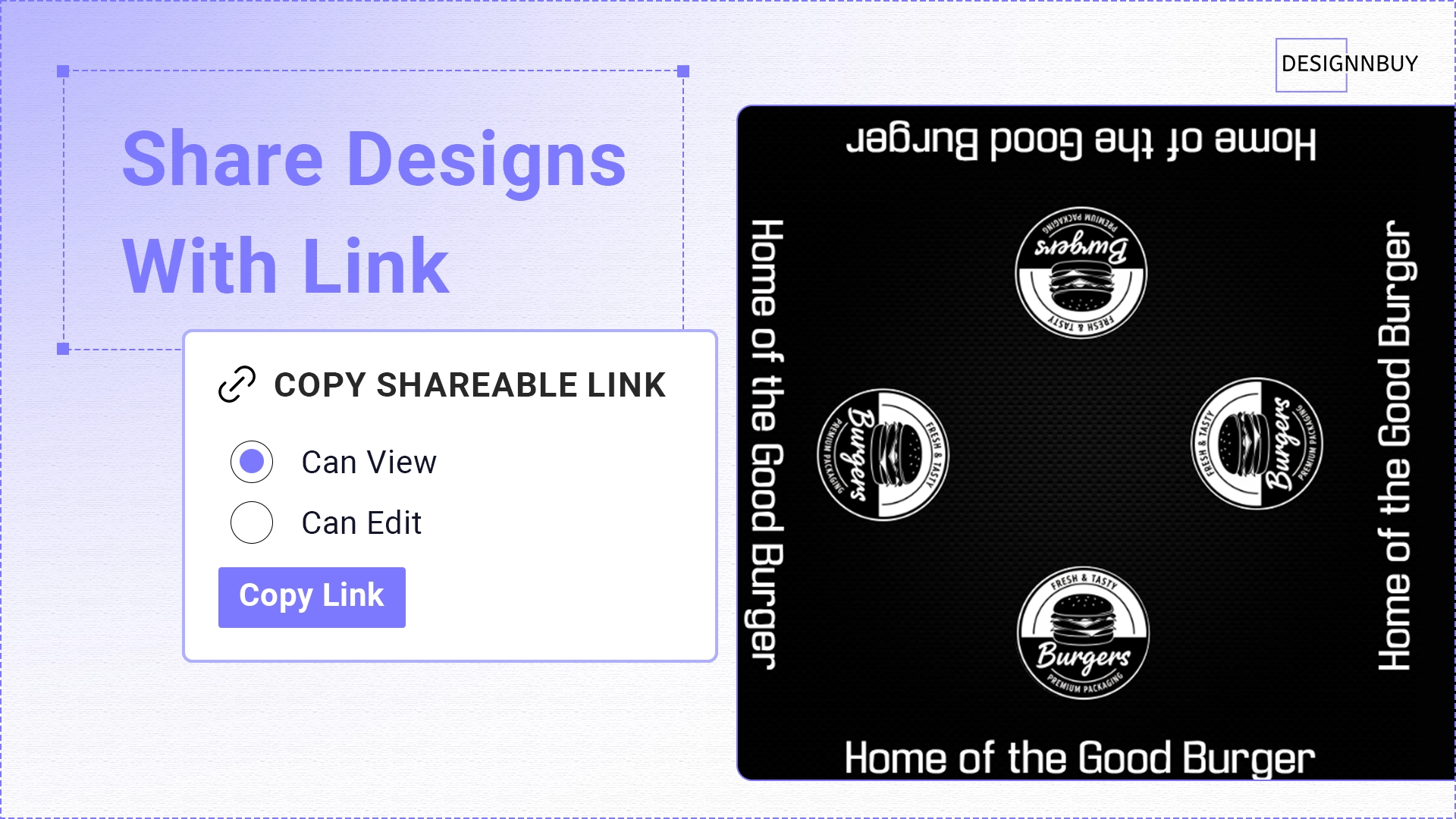
That’s exactly why we built Shareable Design Links. Here’s how it works:
- Open your design in the Design Studio
- Click the Share button
- Choose who can do what with the design
- Copy the link
- Send it however you want – email, Slack, WhatsApp, wherever
You Get Two Permission Options:
- “Can View” mode – They can see the design and leave comments, but they can’t make changes
- “Can Edit” mode – They get full access to make modifications
Everything is automatically secure. You don’t have to worry about setting up permissions or access controls. We handle all that behind the scenes.
Your sales team can share designs with clients instantly. Your production team always works from the current version. And your clients can approve designs from their phone with full zoom, pan, and comment capabilities.
This creates a single source of truth, reducing confusion about version control and approval status.
White Label Configuration for Branded Admin
DesignO 2.5 introduces complete White Label Configuration, allowing agencies and resellers to rebrand the platform.
Many agencies charge project fees. They build a store, launch it, and move on to the next client. But offering ongoing web-to-print capabilities as a service creates opportunities for monthly recurring revenue and deeper client relationships.
So, we built the complete White Label Configuration. Here’s what you can now customize:
- Change all the theme colors to match your brand guidelines
- Adjust text colors throughout the interface
- Customize the sidebar colors and styling
- Upload your company logo
- Add your custom favicon
- Preview everything in real-time before you save it
Why does this matter? Because it opens a whole new business model.
Digital agencies building Shopify, Magento, WordPress, or BigCommerce stores for e-commerce brands can now offer a complete web-to-print solution as part of their service package. Your clients see your brand when they log in. You charge them a monthly fee. And we handle all the technical heavy lifting, security updates, and new features.
You get recurring revenue. Your clients get a professional solution. And we handle platform maintenance behind the scenes.
Copy Editor Code and Embed Design Tool Anywhere
The new Copy Editor Code feature allows direct embedding of the design editor into any website section.
Integration Points:
- Your blog posts
- Your CMS pages
- Your homepage
- Landing pages
- Campaign pages
- Any content section
Here’s How It Works:
- Go to Products → Actions
- Click “Copy Editor Code”
- We generate ready-to-use HTML/JavaScript code
- Paste it wherever you want on your site
- Done
The embedded editor includes full design functionality, real-time previews, dynamic price calculations, and checkout integration. It works across Shopify, WooCommerce, Magento, BigCommerce, and custom platforms.
This reduces the steps between product discovery and design initiation, creating more direct paths to purchase.
Multi-Side and Multi-Part Product Support
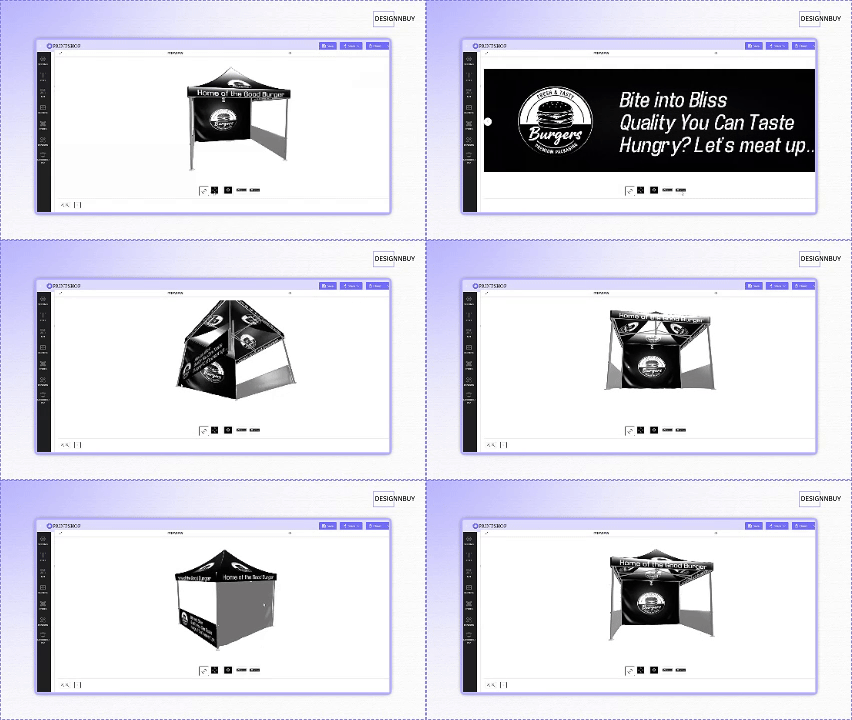
Wide-format printers and exhibition display companies frequently handle complex orders. A corporate client wants a custom 10×10 trade show booth with graphics on all four walls, each wall a different size. An event company needs a branded canopy tent with separate designs for the roof, front panel, back panel, and two side panels.
Previously, you’d either set up multiple separate products or coordinate everything through email and phone calls. The customer would send you files, you’d have to verify dimensions match, check bleed areas for each panel, and manage the project manually.
We’ve built Multi-Side/Multi-Part/Multi-size Product Configuration specifically for complex products.
This Is Perfect For:
- Exhibition canopies with roof, front, back, and side panels
- Trade show booths with multiple wall sections
- Promotional tents with complex designs across different surfaces
- Large signage systems with modular panels
Everything stays organized under one product. Your customers design each part separately in their own editor, with the correct dimensions and bleed already built in. When they place the order, you get accurate, print-ready files for every single component, properly labeled and organized.
Improved Product Detail Page Performance
We noticed in our analytics that product pages were loading slower than desired. When we investigated, we found the issue in how we were checking for personalization. DesignO 2.5 includes performance improvements for product page loading.
Earlier, the system used to check personalization through an API call every time a product page loaded — even for products that weren’t customizable. Now, the system first checks your eCommerce platform to see whether a product is set as a customized product or a regular off-the-shelf product.
DesignO API calls only occur when the platform confirms that personalization is available. This reduces unnecessary calls and improves page load times across all supported platforms.
What does this mean for you?
✅ Faster page loads.
🔻 Lower bounce rates.
💲 Better conversion rates.
Happier customers who don’t have to wait around while pages load.
And you don’t have to do anything. It just works automatically across all supported platforms.
Unified Export for Orders, Jobs And Quotes
Export functionality is now consistent across Orders, Jobs, and Quotations. Orders had easy export capabilities, but pulling Job data or Quote data for reporting required workarounds.
So we fixed it. You can now export Jobs and Quotations just like you export Orders. Everything’s in one unified interface.
Export Capabilities:
- Flexible Field Selection: Choose exactly which data fields to include in your exports
- Store Filtering: Filter by specific stores in multi-store setups
- Time Period Controls: Select precise date ranges for reporting
- Multiple Formats: Export to CSV for easy integration with external systems
This creates a unified reporting interface for production managers and reduces manual data gathering.
User Profile Data Sharing Controls
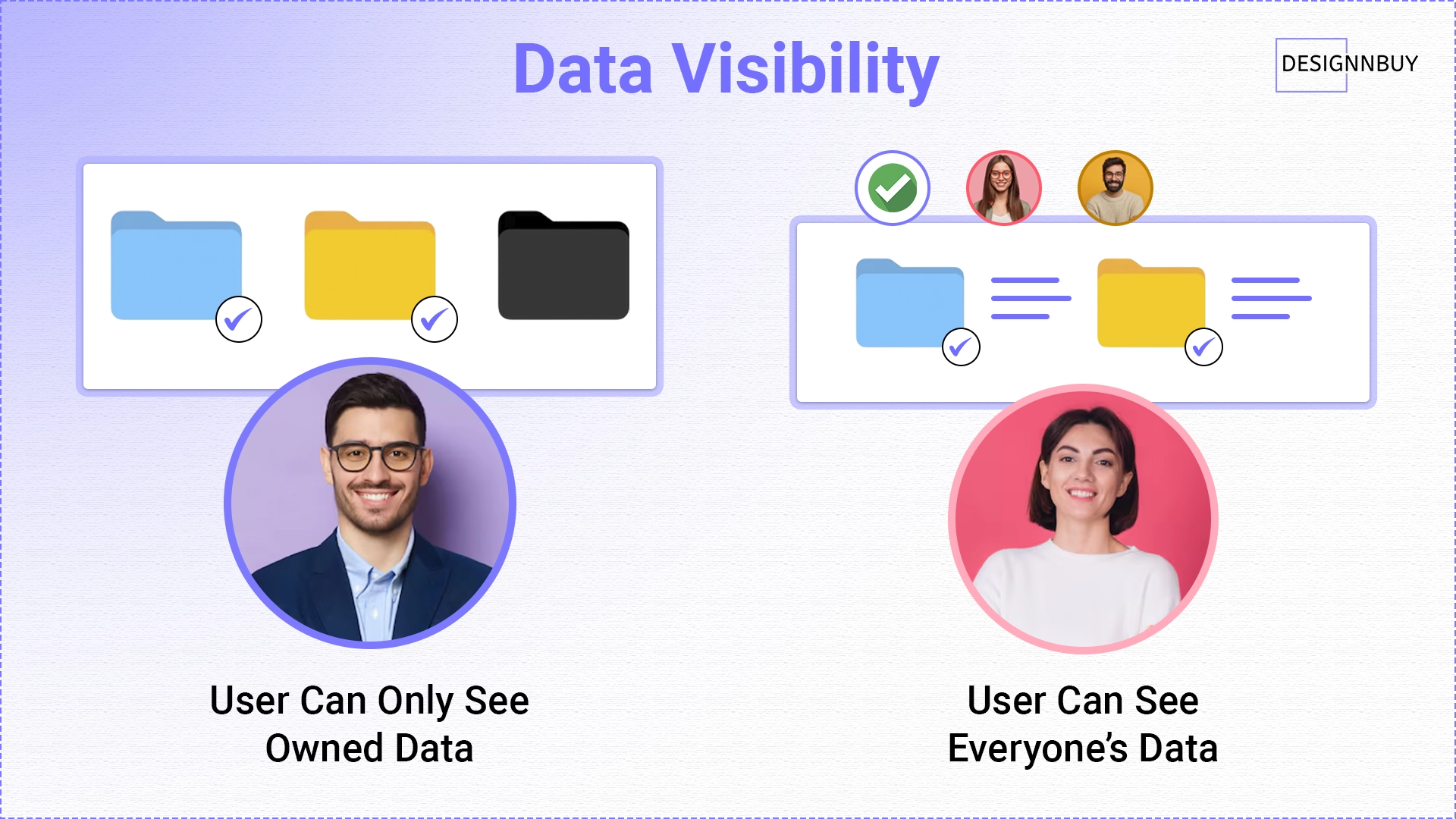
The new Digital Asset Sharing Rule provides precise control over data visibility.
In B2B environments, proper data isolation is critical. If you’re running a web-to-print portal for corporate clients, you need ways to keep one client’s data separate from another’s.
So we added the Digital Asset Sharing Rule. Now you can control data visibility with precision:
- All Data – Users see everything in the system (good for small teams where everyone needs access)
- Owned Data – Users only see items they personally created (perfect for multi-client environments)
This gives you better control over sensitive client information, intellectual property, and design assets. It’s especially critical if you’re managing multiple client brands or running a B2B portal.
Updated Message Module
- Communication in print production often involves multiple stakeholders. A customer places an order. Your sales team has questions about the artwork. The customer responds. Your production team needs information while the job is in queue.
- Email threads become difficult to manage. Internal notes that shouldn’t go to the client get mixed in with client-facing messages. Finding old conversations requires searching through multiple email chains.
- We rebuilt the entire messaging system to work like a modern chat application:
- Mark messages as “Internal” (team only) or “Client” (visible to everyone)
- Organized conversation threads with file attachments
- Quick search and filters to find old conversations
- Bulk operations to manage multiple chats at once
- 5-minute edit window to fix typos without losing history
Messages are organized by order, searchable, and properly separated between internal notes and client communication.
Expanded 3D Model Library
3D previews help customers visualize how their designs will look on finished products. When customers design their products, they see exactly what the finished item will look like – including folds, seams, and structure – on the actual product type they’re ordering.
That’s why we’ve expanded our 3D library with 17 new photorealistic models.
8 New Packaging Models:
- Elegant End Tuck Box
- Half Slotted Container
- Premium Liquor Packaging Box
- Roll End Front Tuck Box
- Prestige Handle Box
- Showcase Hanging Box
- Takeaway Gable Carton
- Standard Pizza Box
9 New Pouch and Display Models:
- Chocolate Bar Flow Pack
- Flat Base Pouch
- Spout Pouch
- Coffee Pouch
- Canopy 3D
- Feather Flag
- Two Side Booth Wall (Rectangle & Square)
- 3 Side Wall Booth
Better 3D previews mean fewer questions about final appearance. Fewer revision requests after proof approval. And fewer returns because customers knew exactly what they were ordering before they clicked “Buy.”
Decimal Precision Configuration for Pricing
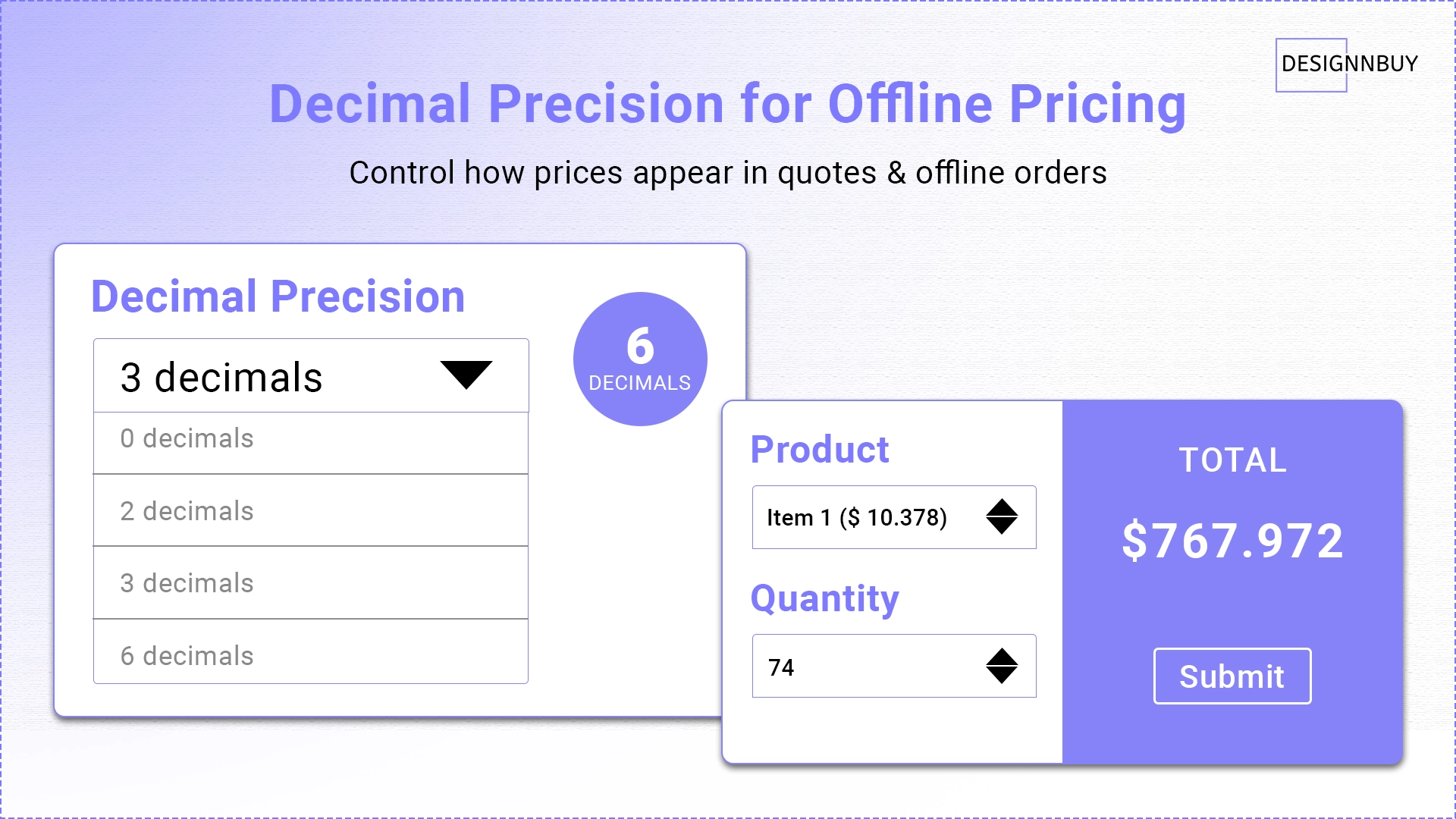
Different markets have different currency conventions and pricing requirements. Some regions use three decimal places. Others need six decimal places for wholesale pricing calculations. Meanwhile, some markets prefer clean, whole-number pricing or two decimals maximum.
The old system forced everyone into the same format. Now you can choose how many decimal places to show in your offline pricing: 0, 2, 3, or up to 6 decimals. This flexibility accommodates different market requirements, currency conventions, and regional pricing standards.
Note: eCommerce storefront pricing remains independently controlled by your platform, while this setting applies specifically to offline orders and quotations managed within DesignO.
API Security Enhancement
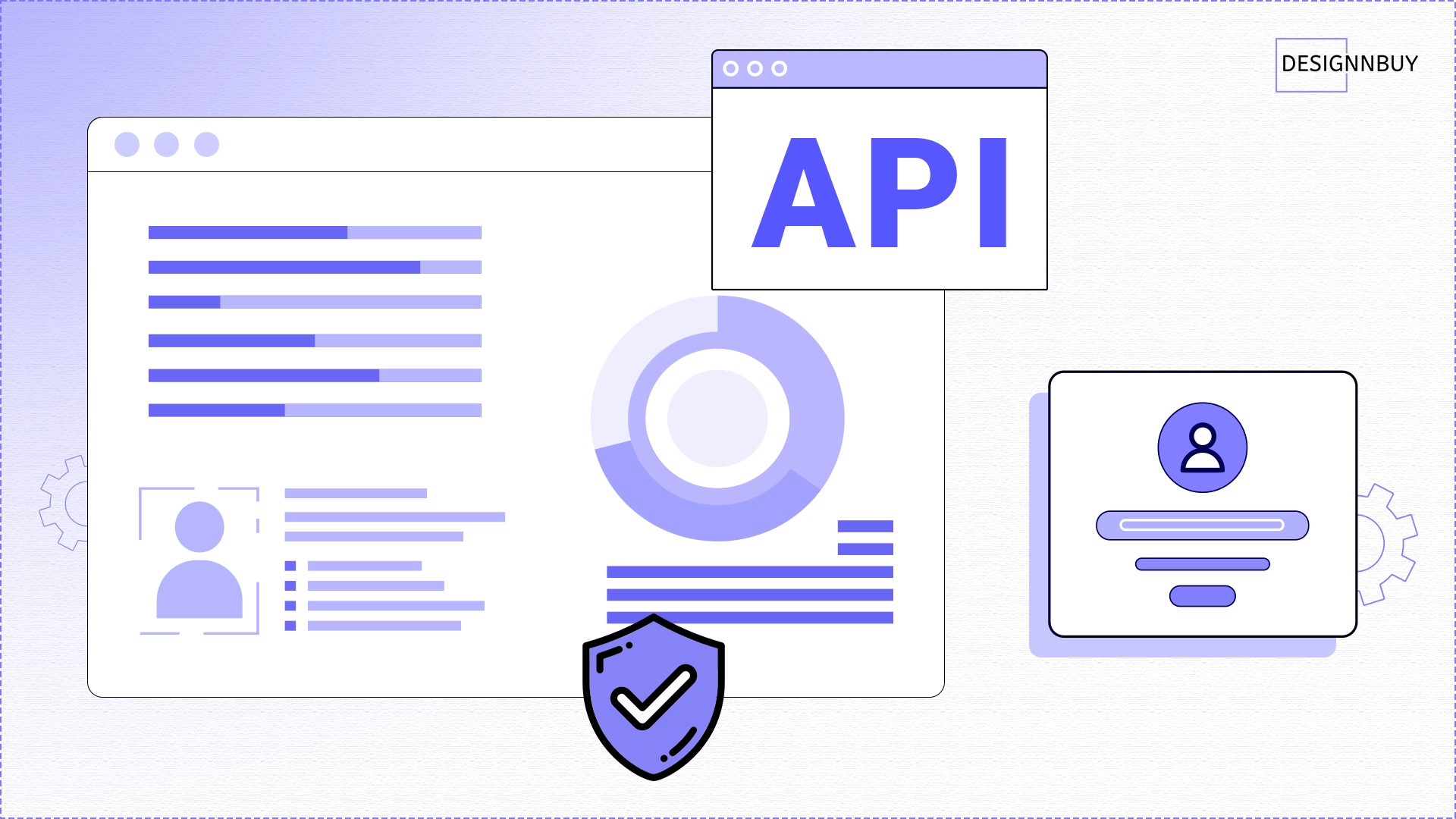
Security is a responsibility we take seriously. You’re trusting us with your customer data, your design files, your business operations.
With DesignO 2.5, we’ve focused on security from the ground up:
- Encrypted Client ID and Secret with one-time generation
- Stricter rate limiting in production mode to prevent abuse
- SSL-only access for production environments
- Token-based authentication throughout the API layer
- Complete security testing across all modules – Orders, Quotations, Products, Templates, 2D/3D personalization, and store setup
We didn’t just add security features. We tested every module, every endpoint, every integration point. We brought in external security audits. We stress-tested the system under production loads.
Your data is safer. Your integrations are more reliable. And we’re constantly working to protect your business.
Primary Benefits by Business Type
- Packaging printers – The new 3D models and multi-part product support are valuable additions
- Wide format and signage companies – Complex product configuration now works as needed
- Trade printers and B2B portals – White label branding and data controls give you more flexibility
- Ecommerce agencies – You can now resell DesignO as your own solution and create recurring revenue
- Print-on-demand businesses – Faster page loads and flexible embedding improve conversion rates
- Production teams – Better export, cleaner messaging, and fewer bugs mean smoother operations
The Takeaway: How DesignO 2.5 Levels Up Your Setup
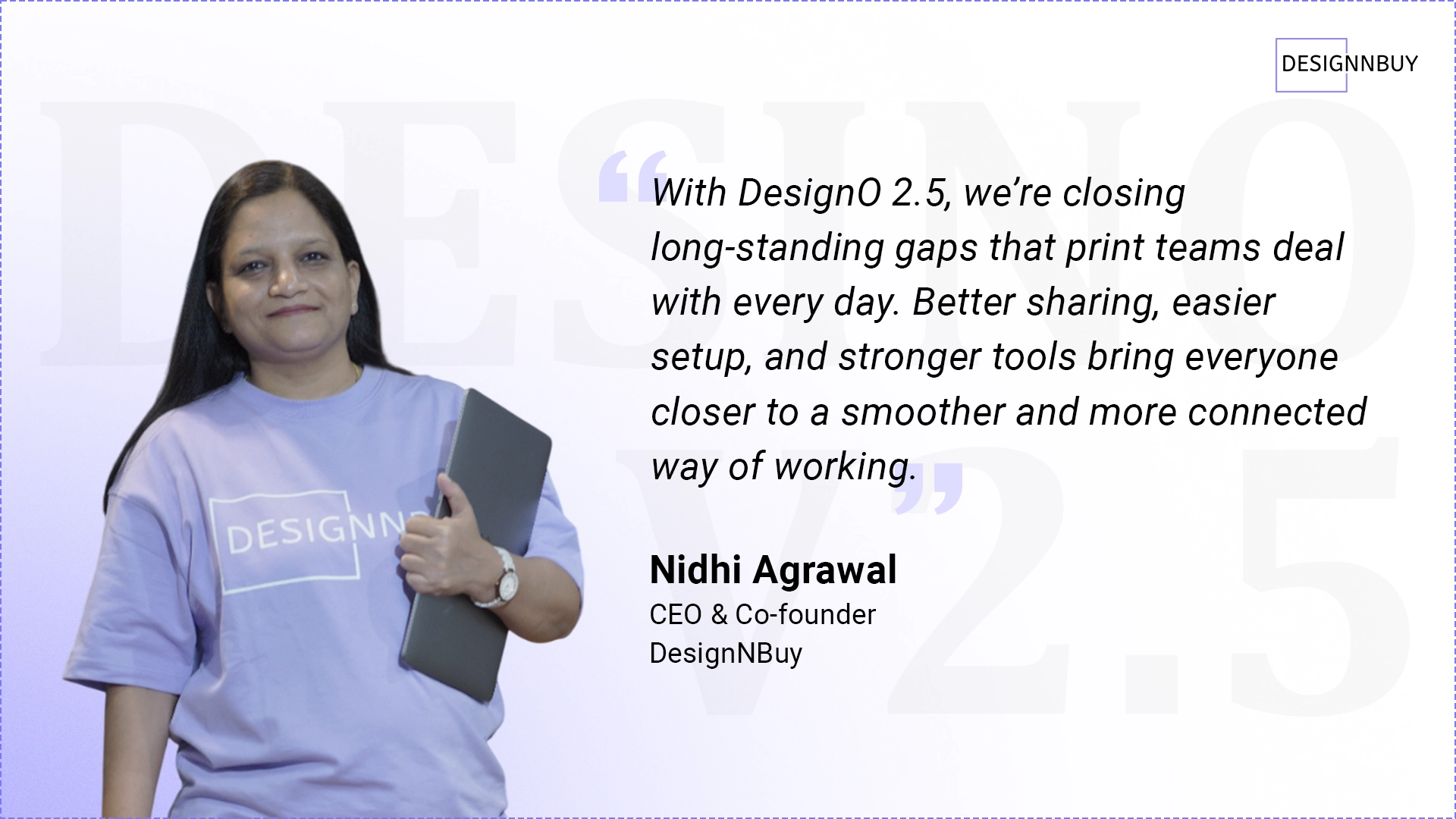
With everything added in this release, DesignO 2.5 closes the loop on many day-to-day needs. Teams get more control, customers get clearer previews, and admins get tools that make the whole setup feel more organized. It ties the entire update together in a way that supports real work across different print categories.
Ready to See It in Action?
If you’re already using DesignO, reach out to request your update to version 2.5. We’ll help you get everything migrated smoothly.
If you’re not using DesignO yet, book a free demo. We’ll show you exactly how these new features work and how they can help your specific business.
Experience The Power Of DesignO 2.5
Faster collaboration, better customization, stunning 3D previews